Name: BeautyCam App
Version: 12.9.40
Size: Dec 19, 2025
BeautyCam App: A Complete Guide to AI Features, Retro Filters & Photo Editing
BeautyCam Review: Transforming Mobile Photography with AI and Retro Charm
In the crowded world of mobile photo editing, BeautyCam stands out by blending nostalgic camera aesthetics with cutting-edge artificial intelligence. It goes beyond simple filters, positioning itself as an all-in-one toolkit for both casual selfie-takers and photography enthusiasts. This article provides a comprehensive look at its core features, helping you decide if it’s the right editor for your needs.
Table of Contents
Core Concept: More Than Just a Beauty App
While the name suggests a focus on selfies, BeautyCam’s true strength lies in its dual identity. It successfully merges two popular trends:
The Retro Camera Revival: Offering digital emulations of classic cameras and film styles.
The AI Editing Revolution: Providing intelligent, one-tap enhancements for portraits and photos.
In-Depth Feature Analysis
- Camera & Filter Suite: A Nostalgic Playground
This module is for users who miss the distinct look of vintage gear. It’s not just a filter; it attempts to replicate the experience.
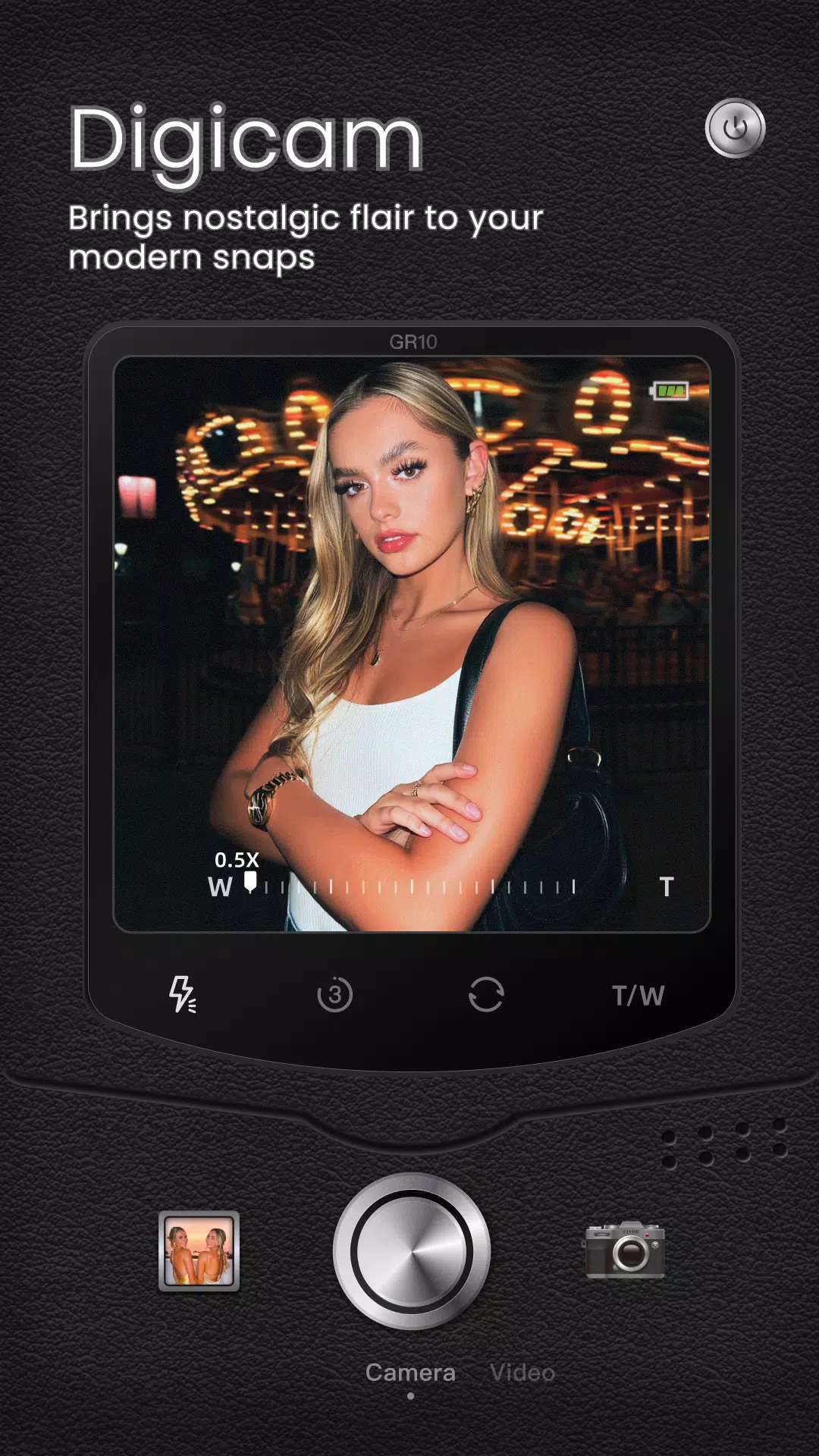
Digicam & Film Cameras: Mimics the color saturation, grain, and contrast of early 2000s digital cameras and classic film stocks.
DSLR Camera Mode: Introduces manual-style controls like focus, depth-of-field (bokeh), and white balance adjustments on a mobile interface.
Relater Pots :
Camera FV-5 Mod APK: Al Pro Features
Photo Booth: Adds fun, themed frames and stickers for a playful, social-media-ready look.
- AI-Powered Portrait Toolkit: Your Digital Makeover
This is where BeautyCam leverages machine learning for automated, personalized enhancements.
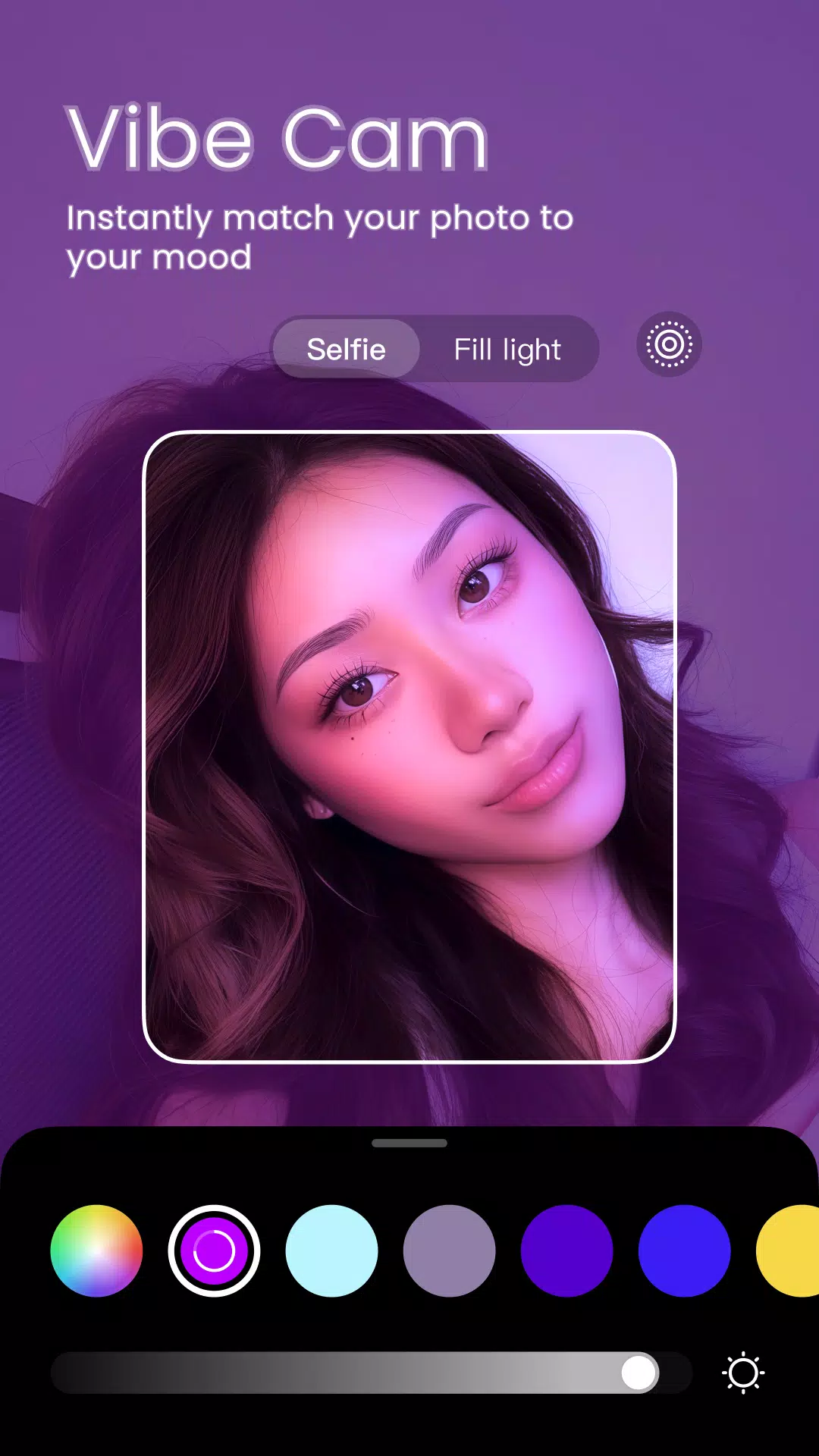
Intelligent Beautification: The app’s AI detects facial features to apply makeup, smooth skin, sculpt facial contours (like 3D Nose Sculpting), and brighten eyes in a context-aware manner, aiming for natural results.
Virtual Try-On Suite: Features like AI Nail Art and AI Wardrobe allow for non-destructive experimentation with styles, letting users preview bold looks without commitment.
Body Reshaping: Tools like AI Slimming work to subtly refine body silhouettes within videos and photos.
- Practical AI Utilities: The Problem-Solvers
These features address common photographic pain points.
AI Removal: Effectively erases photobombers, unwanted objects, or blemishes from backgrounds, using AI to intelligently fill in the gap.
AI Expansion: A powerful tool for social media, allowing users to alter an image’s aspect ratio (e.g., making a portrait photo fit a landscape layout) by AI-generating new background content.
HD Restoration: Attempts to sharpen details and reduce noise in old or blurry uploaded photos.
- Video & Specialty Features
Video Portrait Beautification: Applies real-time skin smoothing, shaping, and makeup effects during video recording.
Teleprompter: A utility feature for content creators, making it easier to record smooth, scripted dialogue.
What’s Missing? A Balanced Perspective
While the feature list is impressive, a top-ranking article must provide a balanced view. Here are critical points to consider:
The “AI Glow” vs. Reality: AI enhancements can sometimes over-process images, leading to a loss of natural skin texture and details, resulting in a generic “plastic” look.
Privacy Considerations: As with any AI beauty app, it’s crucial to review its Privacy Policy (linked in the description). Users should be mindful of how their biometric data (facial scans) is processed and stored.
Freemium Model: Many advanced AI features (like HD Restoration or certain AI filters) are typically locked behind a VIP subscription. The free version serves as a capable but limited trial.
Conclusion: Who Is BeautyCam For?
BeautyCam is a powerful, feature-rich app best suited for:
Social Media Enthusiasts who want trendy, eye-catching content quickly.
Users fascinated by retro aesthetics and AI-powered creativity.
Individuals seeking an all-in-one editor for basic fixes, portrait retouching, and playful transformations.
However, professional photographers or purists seeking total manual control and color-accurate editing might find it overly automated and prefer dedicated apps like Adobe Lightroom Mobile or Snapseed.
Final Verdict: BeautyCam excels as a convenient and creative hub for mainstream mobile editing. Its success lies in packaging complex AI tools into simple taps, making advanced digital enhancement accessible to everyone. As with any powerful tool, the key is to use it to enhance your natural beauty, not replace it entirely.
These Mods Are Important
-

Name: Filmora
Version: Latest
Size: 340 MB
-
Name: Fv 5
Version: 5.4
Size: 60 MB
-
Name: Gcam
Version: 9.6
Size: 140 MB
-
Name: Faceapp
Version: 11.12.1
Size: 83MB
-
Name: Snapseed
Version: 2.23
Size: 233MB
-
Name: Light Room
Version: 10.3.2
Size: 125 MB
-
Name: Candy Cam
Version: 7.0.03
Size: 273 MB
-
Name: Facetune
Version: 2.51.0
Size: 285 MB